السلام عليكم
سنتحدث عن حساب الفروقات بين صورتين بإستخدام octave
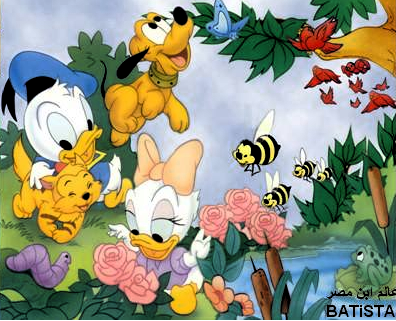
1- نحصل على محتوى كل صورة لوحدها عن طريق imread
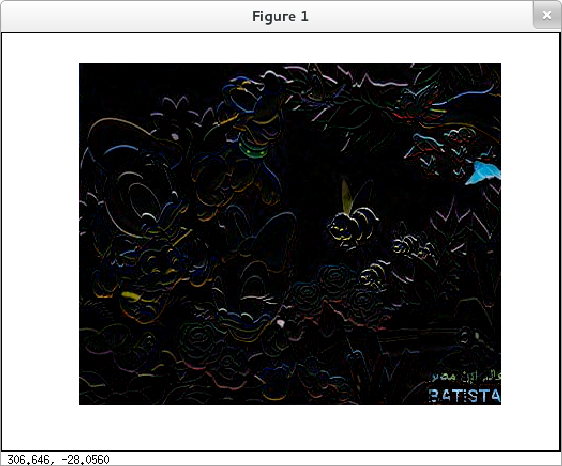
2- نحسب الفرق بين الصورتين
3- نعرض الصورة الجديدة "الفرق" عن طريق imshow
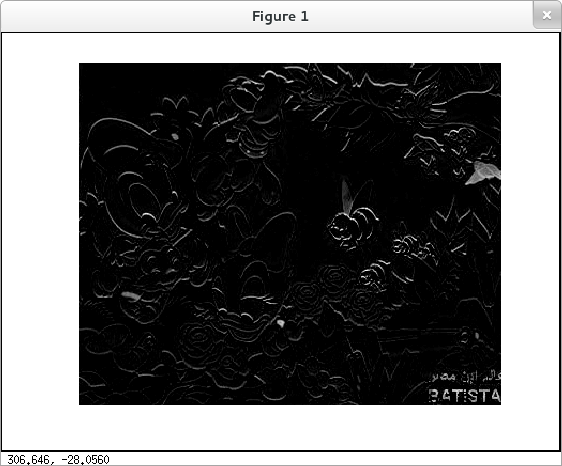
للتخلص من الضوضاء على الصورة استخدم rgb2gray على محتوى كل صورة
انا ضفت صورتين واحدة للمقارنة العادية والتانية للمقارنة على grayscale
striky@localhost ~/testdiff> pwd                                             20
/home/striky/testdiff
striky@localhost ~/testdiff> ls
1174890_581555755216075_920347036_n.jpg  pic1.png  pic2.png
striky@localhost ~/testdiff> octave
GNU Octave, version 3.6.4
Copyright (C) 2013 John W. Eaton and others.
This is free software; see the source code for copying conditions.
There is ABSOLUTELY NO WARRANTY; not even for MERCHANTABILITY or
FITNESS FOR A PARTICULAR PURPOSE.  For details, type `warranty'.

Octave was configured for "x86_64-redhat-linux-gnu".

Additional information about Octave is available at http://www.octave.org.

Please contribute if you find this software useful.
For more information, visit http://www.octave.org/get-involved.html

Read http://www.octave.org/bugs.html to learn how to submit bug reports.

For information about changes from previous versions, type `news'.

octave:1> im1=imread("pic1.png")
warning: your version of GraphicsMagick limits images to 16 bits per pixel
octave:2> im2=imread("pic2.png")
octave:3> diff=im1-im2;
octave:4> imshow(diff)
octave:5> imshow(rgb2gray(im1)-rgb2gray(im2) )
ستحتاج حزمة image
pkg install -forge imagepkg load image